fjudith/openmeetings
Dockerized Apache OpenMeetings based on openjdk official image.
6.6K
fjudith/openmeetings repository overview

Introduction
OpenMeetings is software used for presenting, online training, web conferencing, collaborative whiteboard drawing and document editing, and user desktop sharing.
Description
The Dockerfile builds from "openjdk" see https://hub.docker.com/_/openjdk/
Roadmap
- Swtools and Pdf2Swf support
- ffMpeg support
- JodConverter support
- LibreOffice support
- External linked database autoconf (PosgreSQL, MySQL)
- LDAP autoconf
- Persistent data volumes
Quick Start
You will need to open 2 ports:
- 1935 RTMP (Flash Stream and Remoting/RPC)
- 5080 HTTP (For example for file upload and download)
- 8081 for WebSockets
docker run -it --rm --name openmeetings -p 1935:1935 -p 5080:5080 -p 8081:8081 fjudith/openmeetings
Then open http://ipaddress:5080/openmeetings and proceed to the installation
Configuration
Deployment using PostgreSQL
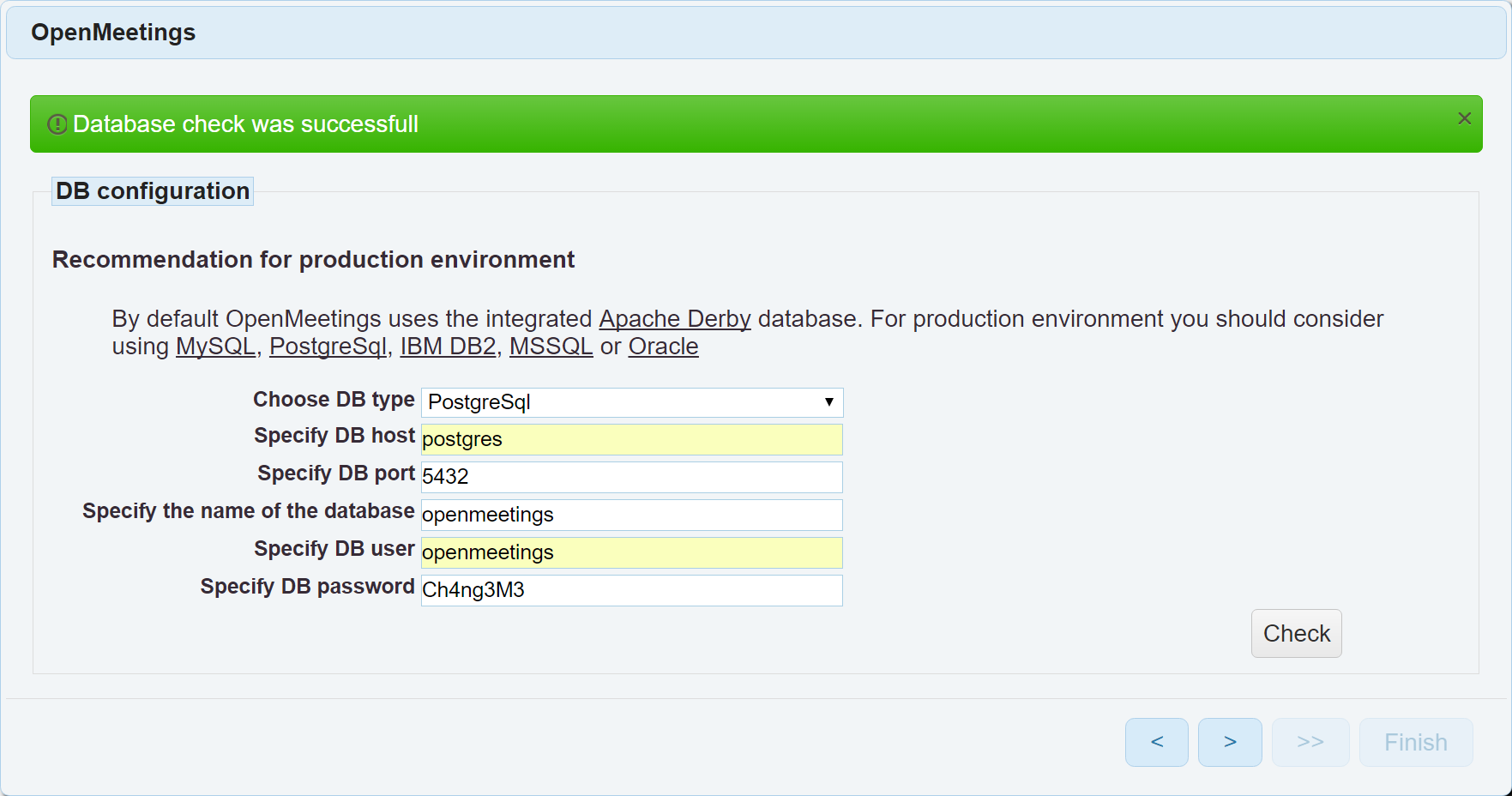
Database is created by the database container and automatically populated by the application container on first run.
docker run -it -d --name openmeetings-pg \
--restart=always \
-e POSTGRES_USER=openmeetings \
-e POSTGRES_PASSWORD=Ch4ng3M3 \
-e POSTGRES_DB=openmeetings \
-v openmeetings-db:/var/lib/postgresql \
postgres

sleep 10

docker run -it -d --name=openmeetings \
--link openmeetings-pg:postgres \
--restart=always \
-p 1935:1935 \
-p 5080:5080 \
-p 8081:8081 \
fjudith/openmeetings
Deployment using MySQL
Database is created by the database container and automatically populated by the application container on first run.
docker run -it -d --name openmeetings-md \
-e MYSQL_ROOT_PASSWORD=Ch4ng3M3 \
-e MYSQL_USER=openmeetings \
-e MYSQL_PASSWORD=Ch4ng3M3 \
-e MYSQL_DATABASE=openmeetings \
-v squash-tm-db:/var/lib/mysql/data \
mariadb --character-set-server=utf8_bin --collation-server=utf8_bin

sleep 10

docker run -it -d --name=openmeetings \
--link openmeetings-md:mysql \
--restart=always \
-p 1935:1935 \
-p 5080:5080 \
-p 8081:8081 \
fjudith/openmeetings
Initial setup
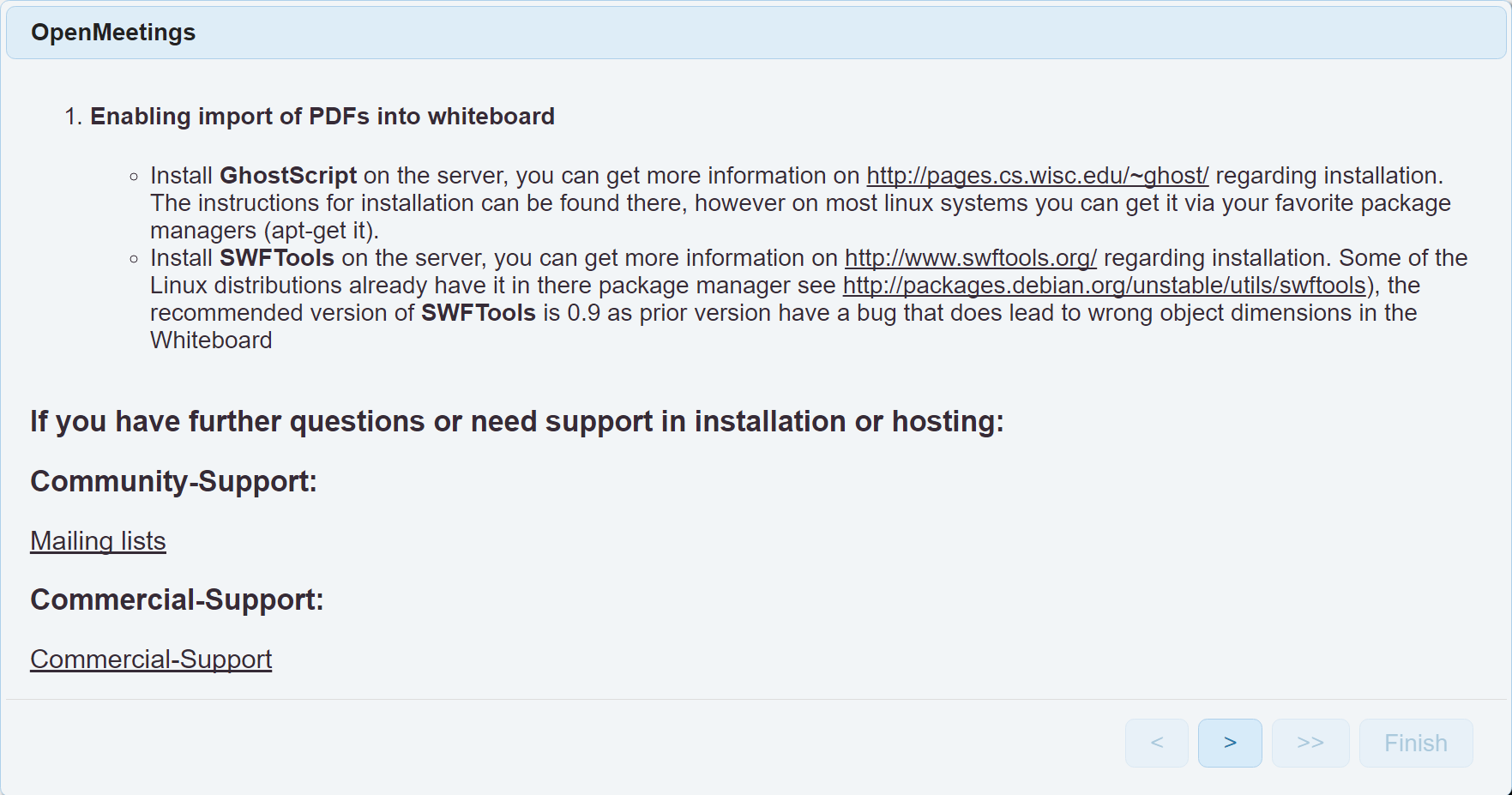
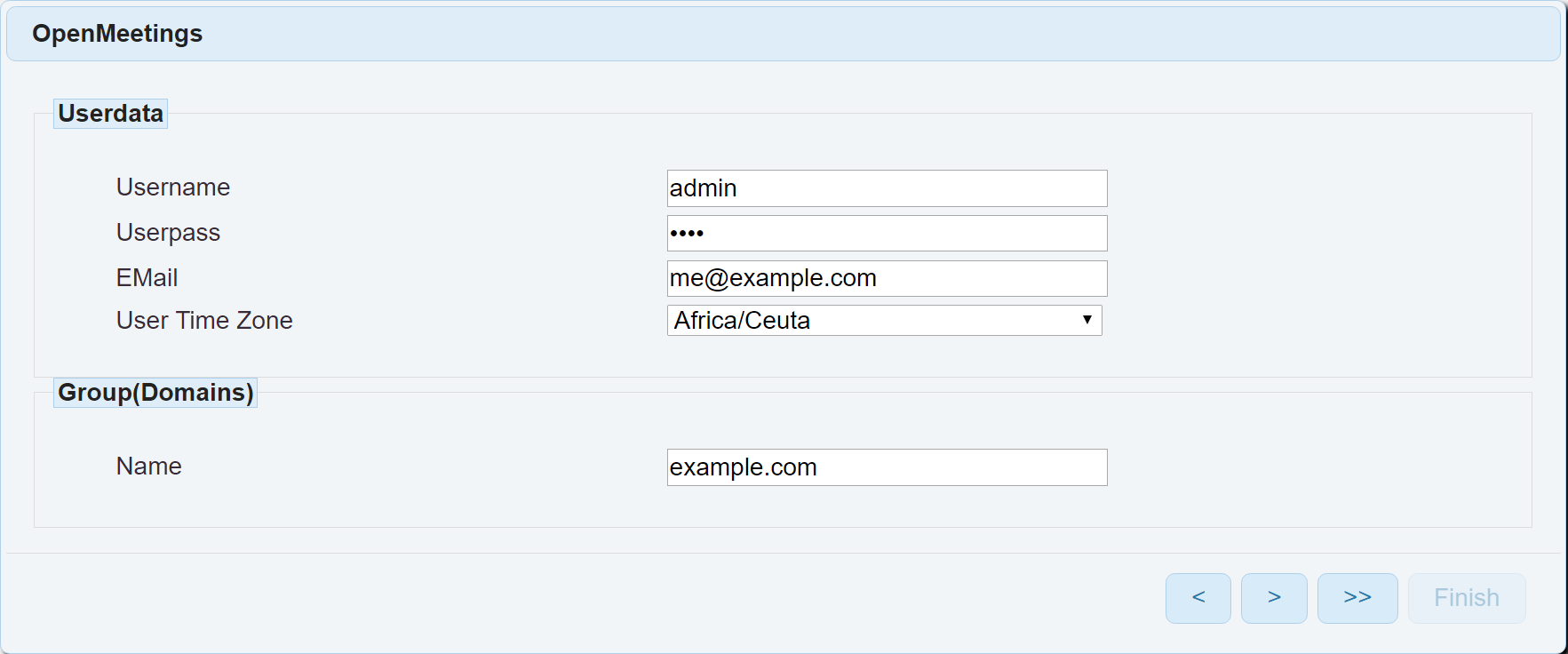
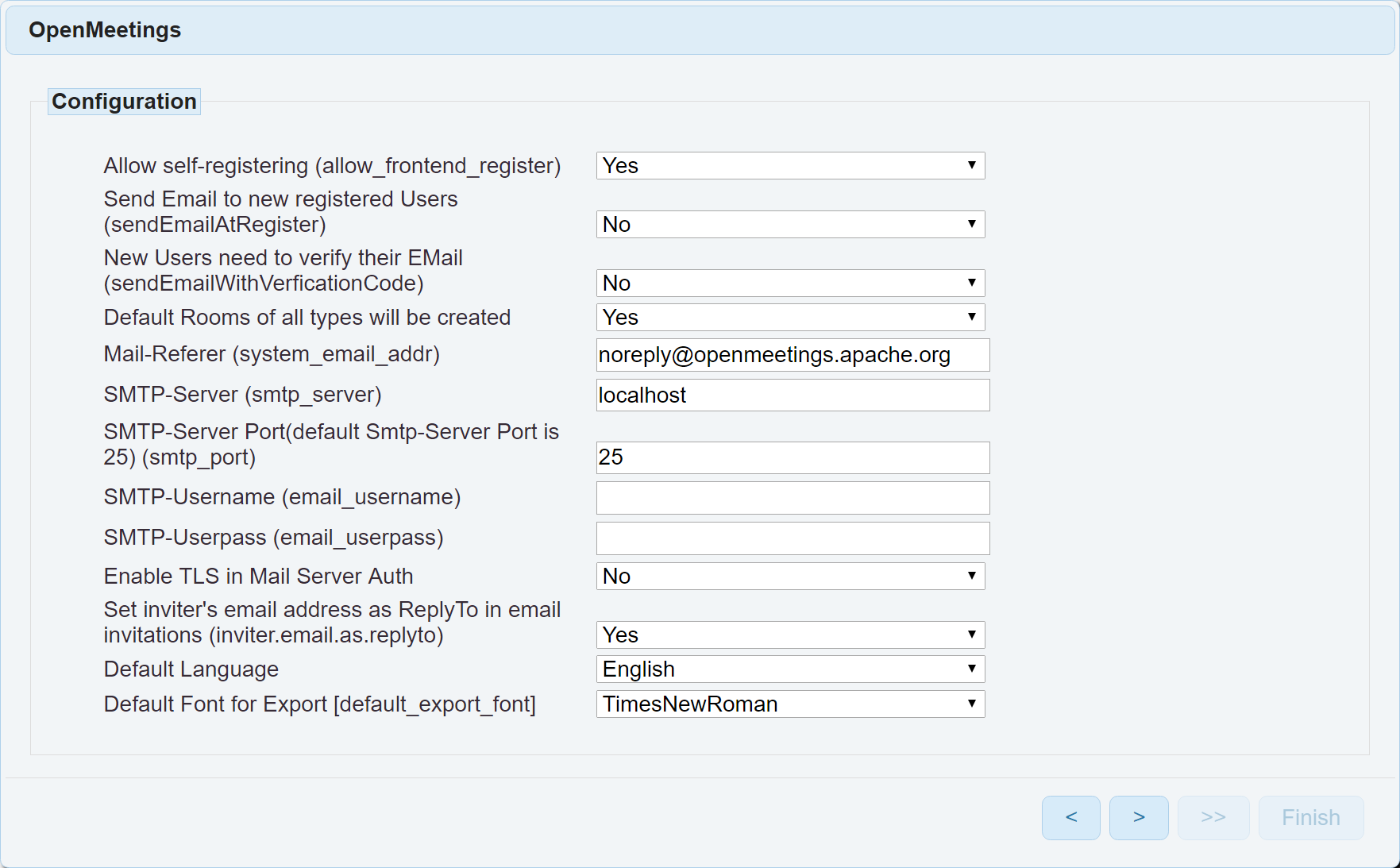
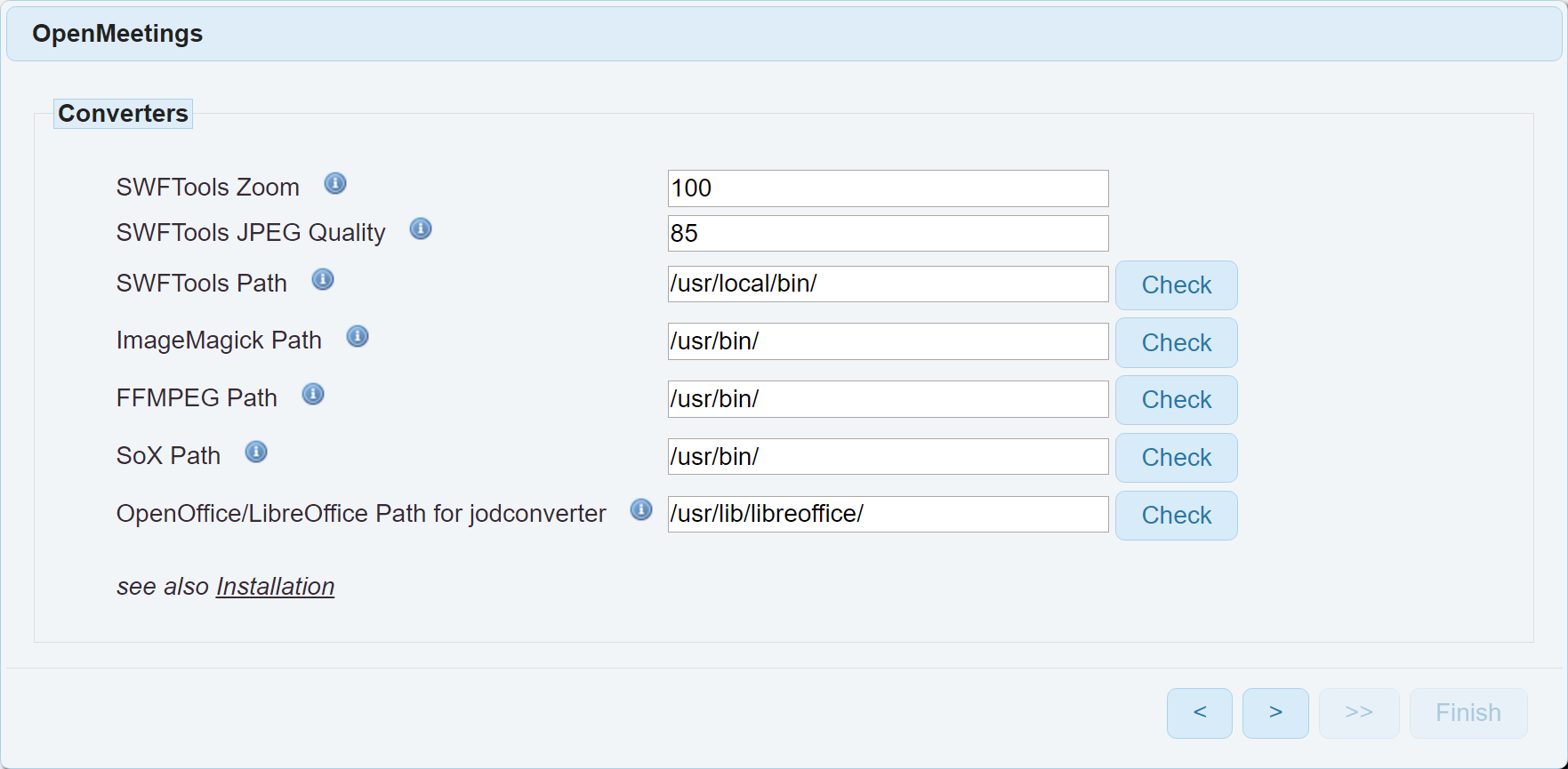
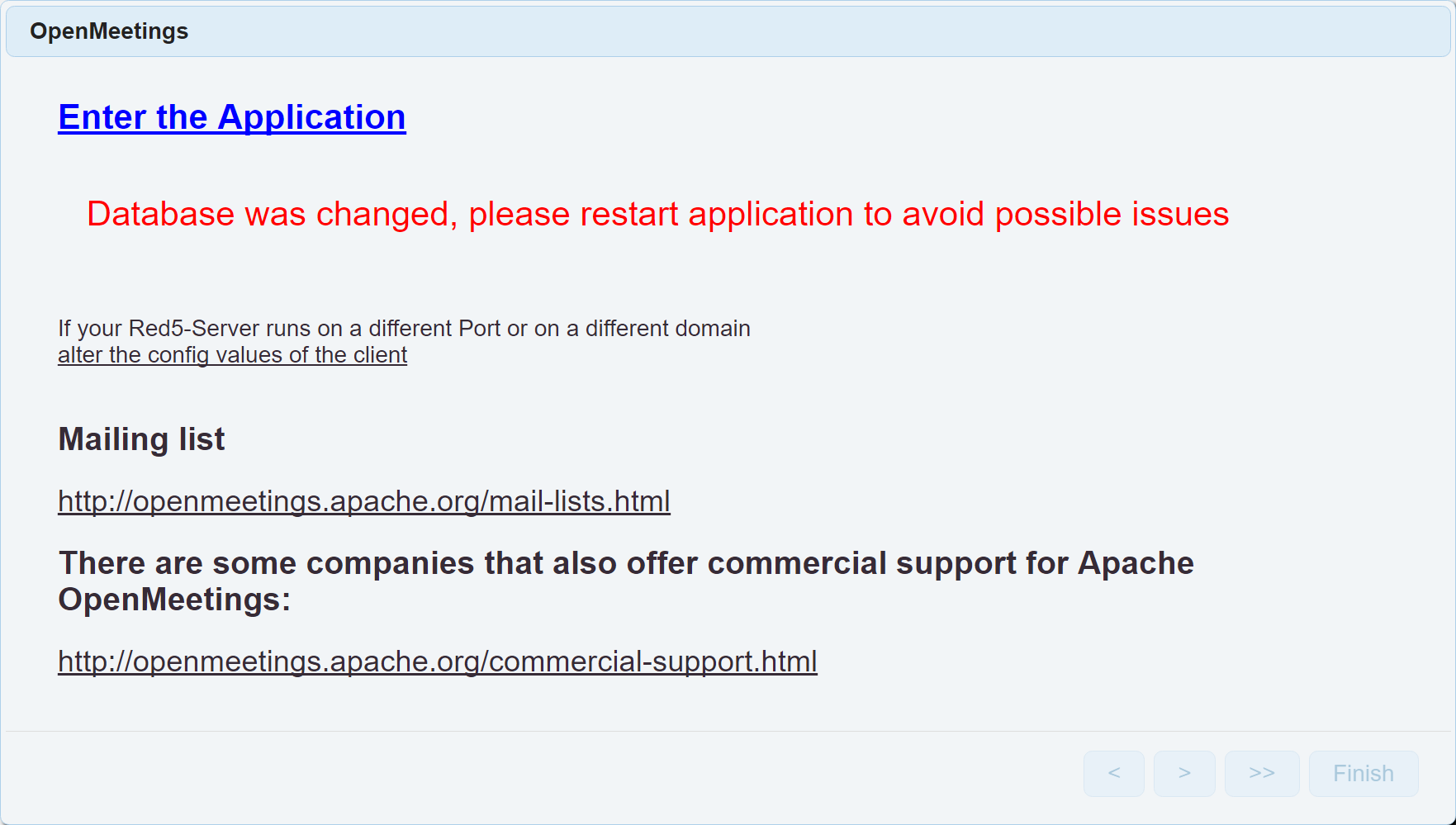
Wait 3-5 minutes for Apache OpenMeetings to initialize. then login to http://ipaddress:5080. Then follow the installation wizard.

Flash and Java
Unfortunately, OpenMeetings needs Flash to share webcam and Java web plugin to share desktop (only for the sender). On linux, you may installe icedtea-web package and use Firefox to be able to send desktop.
Tag summary
Content type
Image
Digest
Size
849.4 MB
Last updated
over 9 years ago
docker pull fjudith/openmeetings